Ensure that you have allowed installations from unknown sources on your device. You can do this by going to “Settings” > “Security” (or “Privacy”) > “Install Unknown Apps” and enabling the option for your web browser or file manager.
Visit a reputable website or source to download theDNNE-Paper APK file. Always be cautious of where you download the file from to avoid malware.
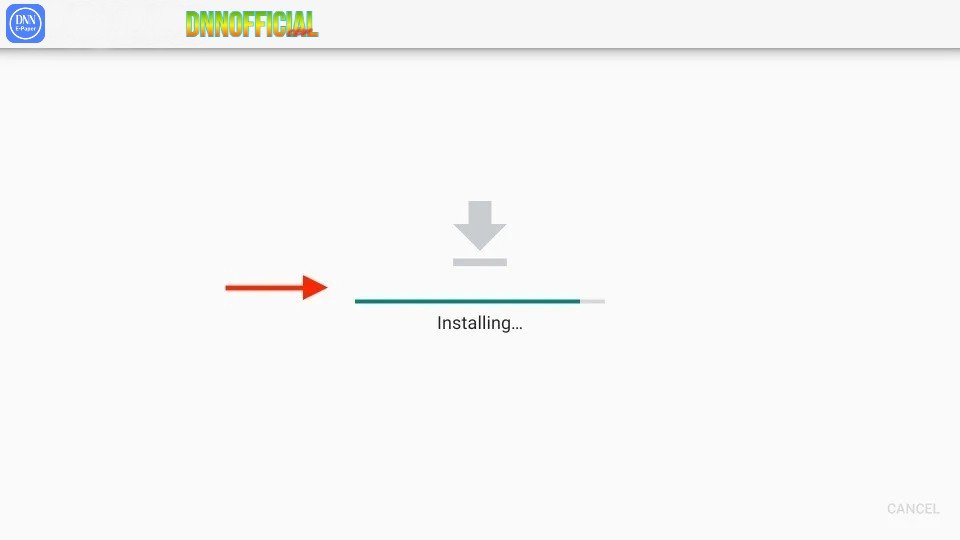
After downloading the Apk file, open it to start the installation process. Follow the on-screen instructions to install the app.